
 Generate
EditorEdit a reference image with natural-language instructions
Qwen Image 3 Image Generator & Editor
Create images, edit references, render multilingual text and build detailed visual layouts with Qwen Image 3.
Independent third-party product. Not affiliated with or endorsed by Alibaba or the Qwen team.
No account required for your first generation.
Image generator
Signed-in generations are private by default
Switch tool
Qwen Image 3
Describe the subject, layout, exact text, style and lighting. Up to 5,000 characters.
0/5000
Not sure what to write? Try an example
2. Model
Compare image models3. Choose shape
Advanced settings
Prompt enhance (slower)
Outputs
The anonymous trial includes one output.
This generation uses 5 credits
Your result
Your image will appear here. Start with an example prompt if this is your first time.
Signed-in generations are private by default
Generate images
Start from a prompt and a precise model.
Edit photos
Describe a change with visual references.
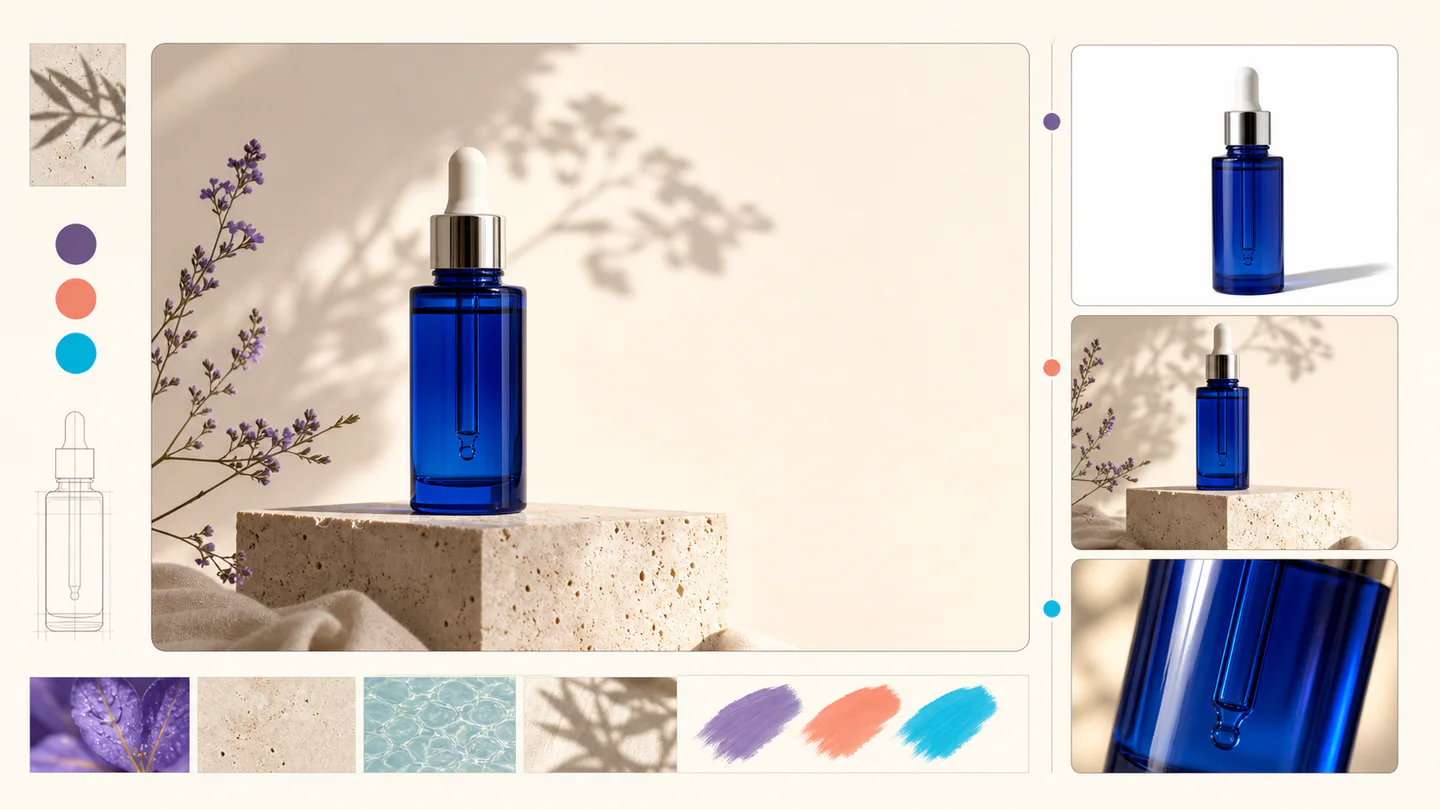
Product photos
Build clean product and campaign sets.
Remove background
Create a transparent PNG cutout.
Upscale
Increase detail and output dimensions.
Create designs
Add text, layers, templates, and exports.
Image models
A dedicated generator for every model
Open the model you searched for. Its page keeps that exact endpoint, capabilities, reference limit, and credit price.


Image tools
Start with the result you need
Every tool opens its own upload, editor, batch, brand, template, or workflow interface. Advanced Studio remains available when you want to connect tasks.
Product
Background Remover
Remove a photo background and download a transparent PNG.
Background Changer
Apply a solid, gradient, uploaded, or generated scene behind a subject.
Add Shadow to Image
Create a product shadow with visible direction, blur, opacity, and offset controls.
AI Relight
Relight a photo with a selected lighting setup and optional direction.
Product Image Set
Create a selected set of white, studio, lifestyle, and ad-layout product images.
Enhance
Object Remover
Mark an unwanted object and remove only the selected area.
AI Inpainting
Paint a mask and replace the selected region from a local description.
AI Image Extender
Choose new boundaries and extend an image without stretching the original.
AI Image Upscaler
Upscale an image at 2× or 4× and compare the output dimensions.
Annotate & Edit Image
Place numbered notes, arrows, boxes, and brush marks before applying edits.
Design
Image Layers Editor
Arrange, hide, lock, reorder, and adjust the opacity of image layers.
Add Text to Image
Place editable text with independent size, color, alignment, and position.
Online Image Editor
Crop, rotate, resize, and export an image in one focused workspace.
Image to SVG
Convert PNG, JPG, or WebP artwork into editable vector paths.
SVG Editor
Paste or upload safe SVG markup, recolor it, resize it, and export SVG.
Design Templates
Choose a visual template, fill its fields, preview it, and continue editing.
Workflow
Batch Image Editor
Queue multiple images, follow item-level progress, and retry failed items only.
Image Resizer
Export one design to platform sizes with contain, cover, or image extension.
Brand Kit
Set a brand name, logo, colors, and fonts for reusable designs.
Prompt Builder & Sharing
Build a reusable prompt recipe from variables and share a redacted copy.
Image Workflow Builder
Build a visible sequence of image steps with per-step cost and results.
Create
AI Image Generator
Choose an available model and turn a prompt into a new image.
AI Image Editor
Upload reference images, choose an editing model, and describe the change.
AI Logo Generator
Create a logo brief from brand, industry, style, and graphic type.
Sketch to Image
Draw or upload a sketch and pass it as the actual generation reference.
Complete workflows
From source image to finished delivery
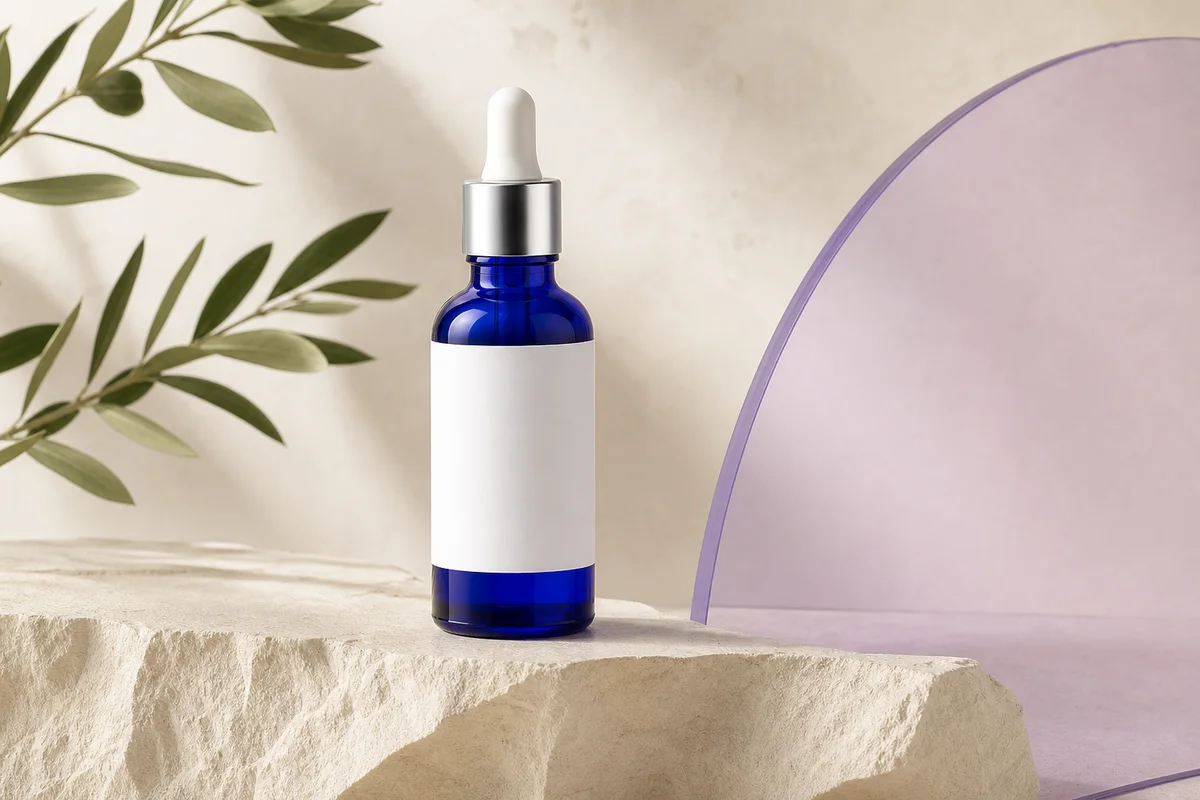
One product photo, a complete campaign set
Remove the background, add a believable shadow or scene, create an ad layout, then resize it for each channel.
Create product photos
Generate a poster, then edit its text separately
Create the visual direction first. Keep price, date, and headline as editable layers before exporting multiple sizes.
Make a poster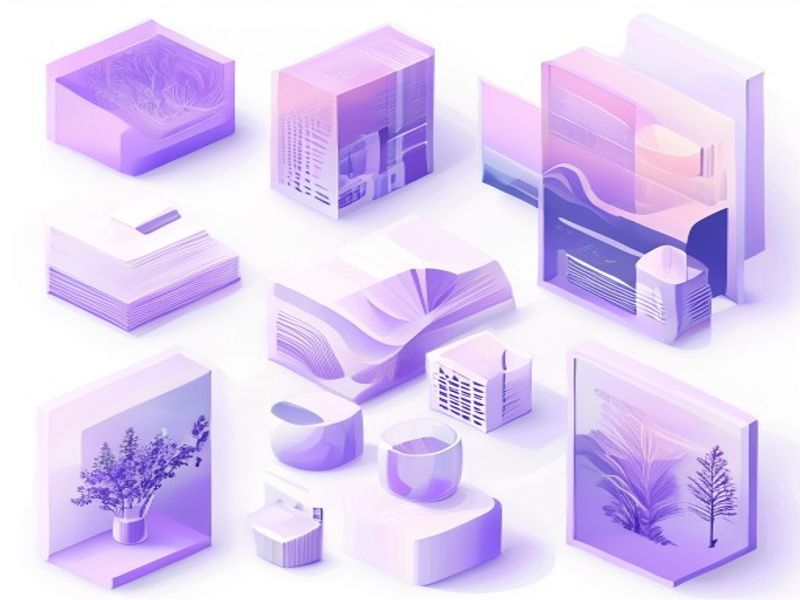
Turn a sketch into editable vector artwork
Use a sketch as the structural reference, convert the chosen graphic into real paths, then recolor and export SVG.
Convert to SVG01 — 03
How it works
From idea to image in three simple steps.
Step 1
Write your prompt
Describe what you want to see — subject, style, colors, and mood.
Step 2
Generate
Qwen Image 3 renders your description into a unique high-quality image.
Step 3
Download & share
Save the result instantly and use it anywhere — social, ads, or personal projects.
Creative workflow
From your first prompt to an image you can use
Only the choices that matter, explained at every step so a beginner can complete a first generation with confidence.
01
Guided prompting
Build a clear prompt from subject, setting, style, and lighting, or begin with a ready-to-edit example.
02
One focused Qwen Image 3 workflow
Generate with the verified Qwen Image 3 endpoint, then continue in the reference-image editor when you need revisions.
03
Useful aspect ratios
Choose square, landscape, or portrait for common product, poster, and social-content layouts.
04
Private by default
Signed-in tasks stay private by default; the leaderboard never publishes prompts, images, or account details.
05
Transparent credits
Qwen Image 3 uses 5 credits per output. Confirmed provider failures automatically restore the credits used by that task.
06
Organized results
Preview and download completed images, then manage your creation history from the personal workspace.
Image editing
Change the scene, keep the subject
Upload up to three references. Describe the exact edit, then name the product, text, crop and geometry that must remain unchanged.
Edit an imagePrompt library
Prompts built for still images
Poster, typography, product, e-commerce, infographic and UI briefs—without camera movement or audio instructions.

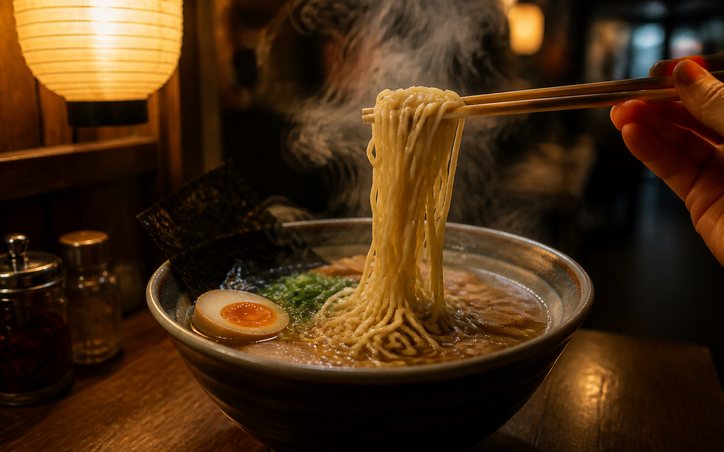
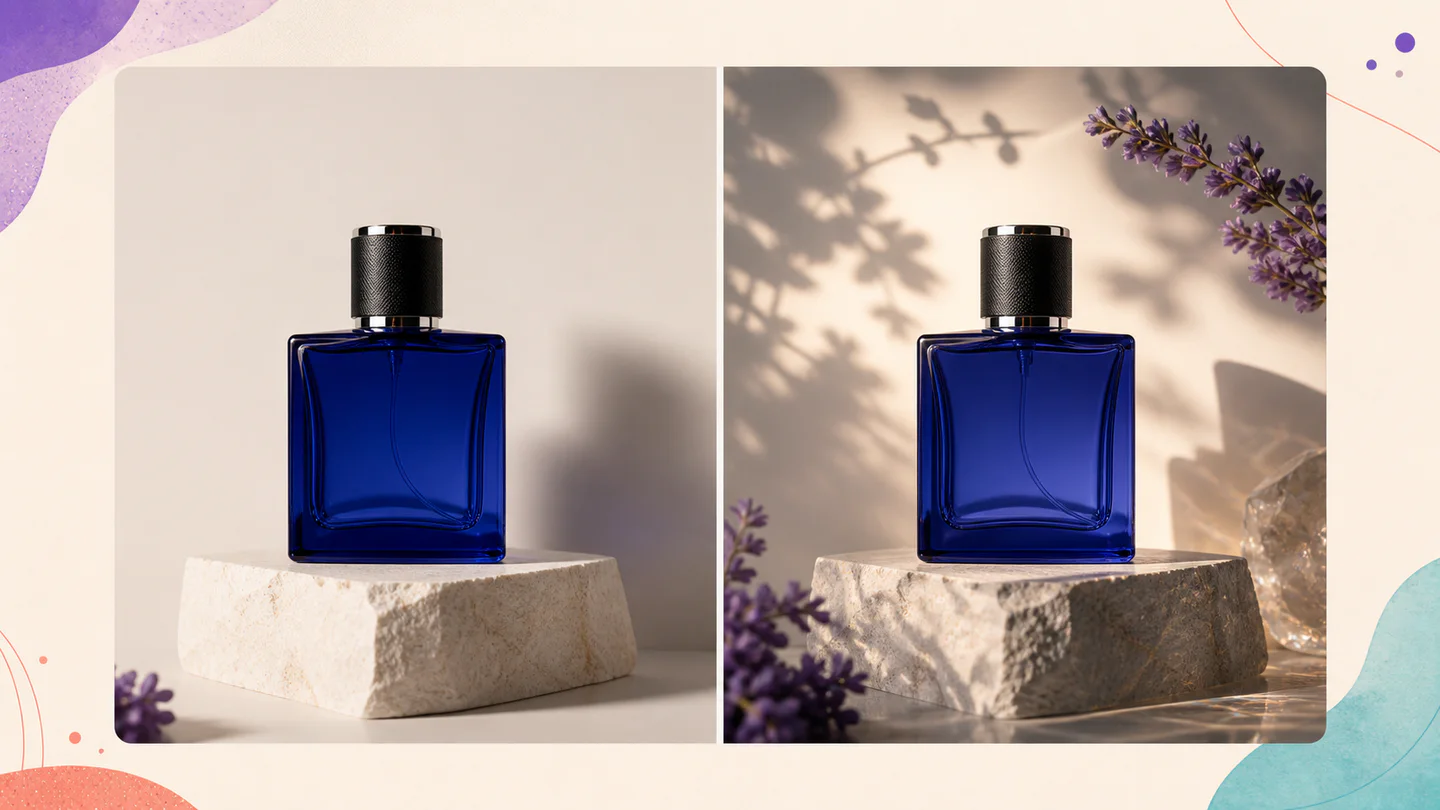
Qwen Image 3 Lab
Prompts, visible results and failure notes
Each lab page states what was tested, what worked, what needs review and how the prompt can be improved. Unknown data stays unknown.
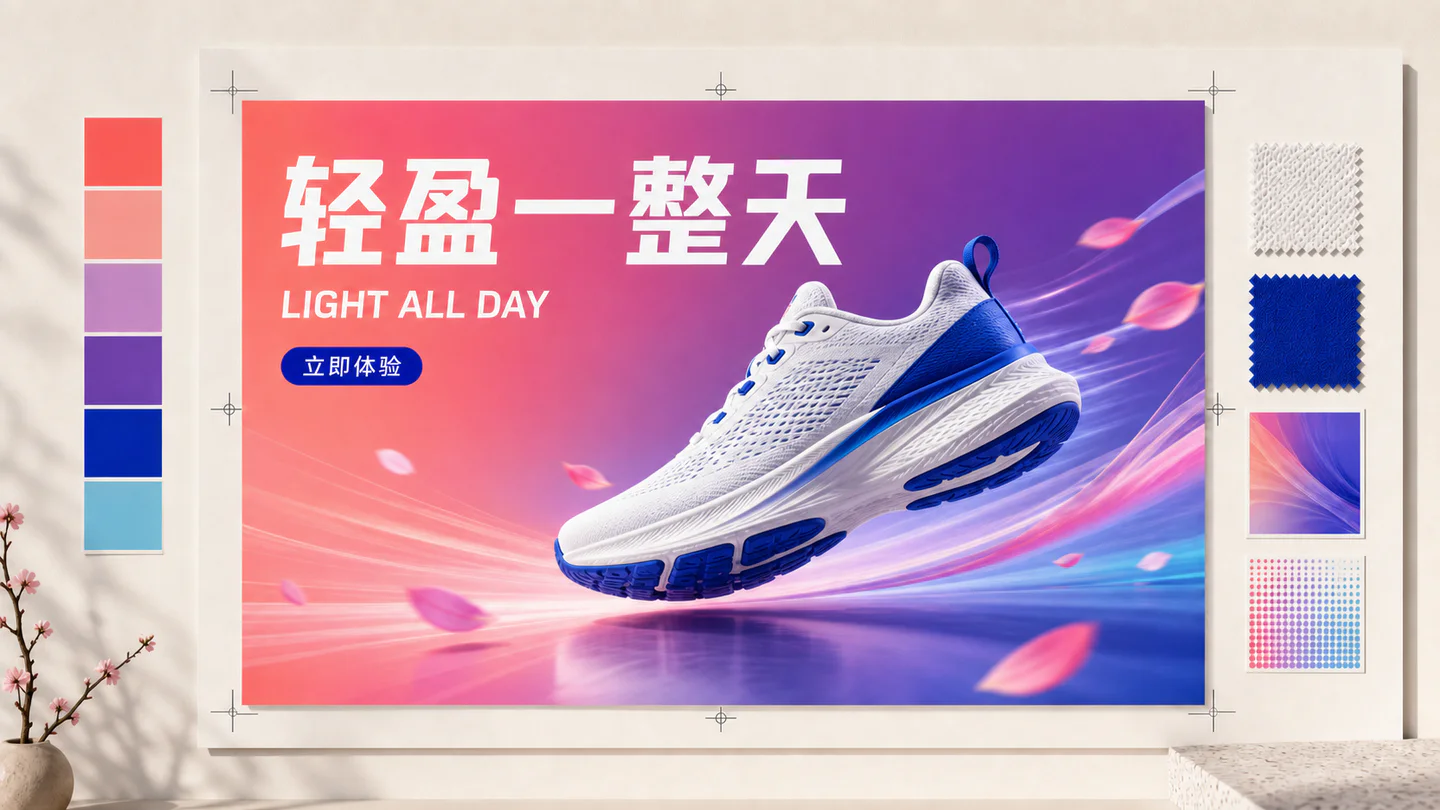
Qwen Image 3 Chinese Text Test
Qwen Image 3 can produce useful Chinese display text, but small copy still needs visual proofreading before publication.
Qwen Image 3 Typography Test
Short English and Chinese headlines are the safest typography use case; mixed-language and small text need stricter prompts and review.
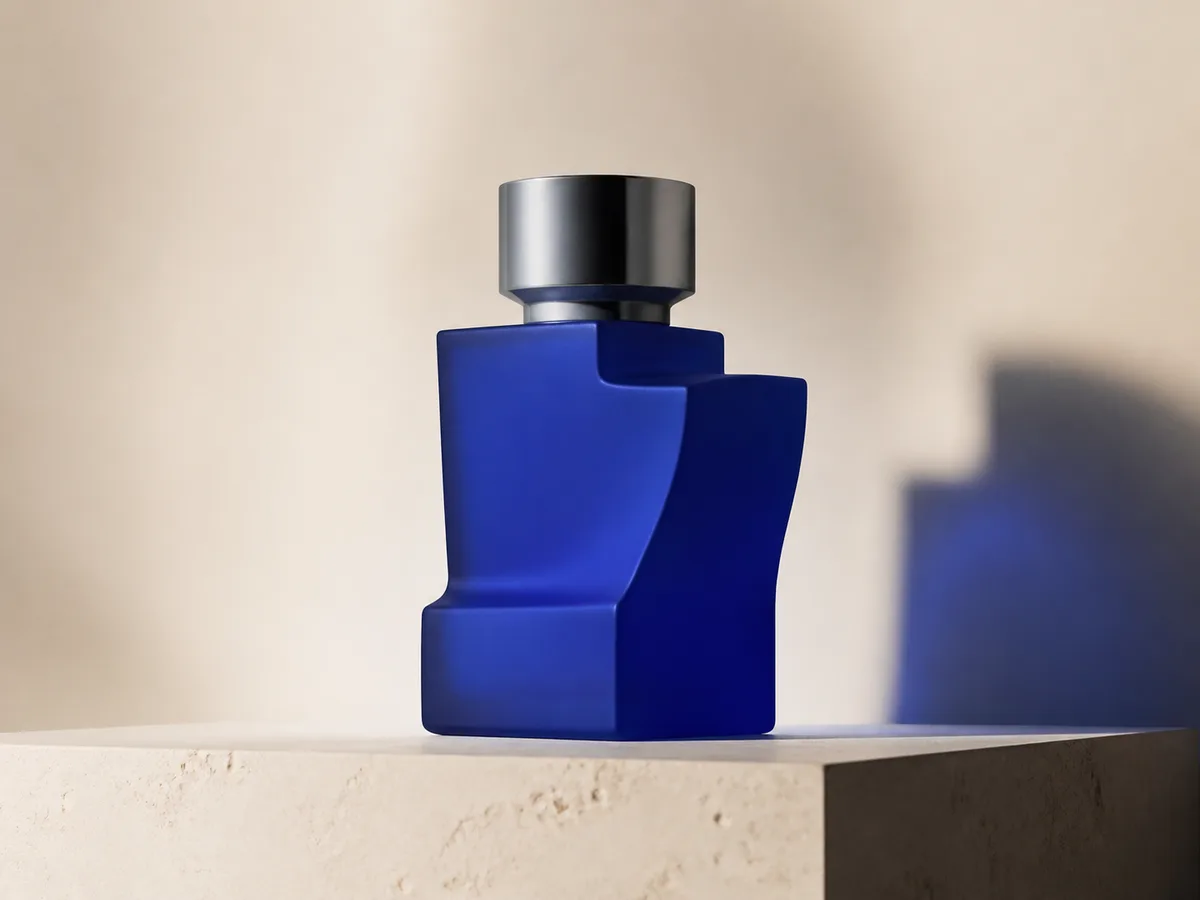
Qwen Image 3 Product Photo Test
The model is useful for premium product concepts, especially when the brief defines material, lighting, contact shadow and camera angle.
Qwen Image 3 Infographic Test
Qwen Image 3 can draft strong infographic layouts, but facts and labels must be validated separately.
Qwen Image 3 Image Editing Test
Reference editing works best when the instruction separates the requested change from details that must remain unchanged.
Qwen Image 3 Standard vs Pro
This site currently exposes one verified Qwen Image 3 endpoint, so it does not publish a fabricated Standard-versus-Pro winner.
Plans that grow with you
Qwen Image Pricing & Credit Plans
Choose the recommended monthly plan for regular creation, or a flexible one-time credit pack with no renewal.
Each Qwen Image 3 generation uses 5 credits. Monthly plans offer the lowest cost per credit.
Frequently asked questions
What you need to know about creating, daily check-ins, referrals and using credits.

Ready to create your first image?
Sign up free, get starter credits, and turn your ideas into visuals in seconds.